Vendor and product price lists in Odoo Purchase

Vendor & Product Price Lists

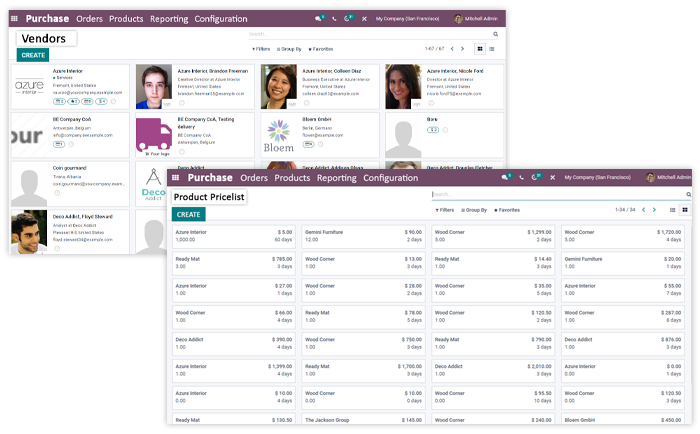
You can make better purchase decisions by comparing the vendor price lists.

  • Choose the vendors who are offering the best prices
  • Simply import suppliers' price lists and references.
  • Make the most effective purchase decisions.
  • View and track the availability of products in the vendor's stock.
  • Have multiple types of vendor contracts (short-term agreements as well as long-term)

Product Management

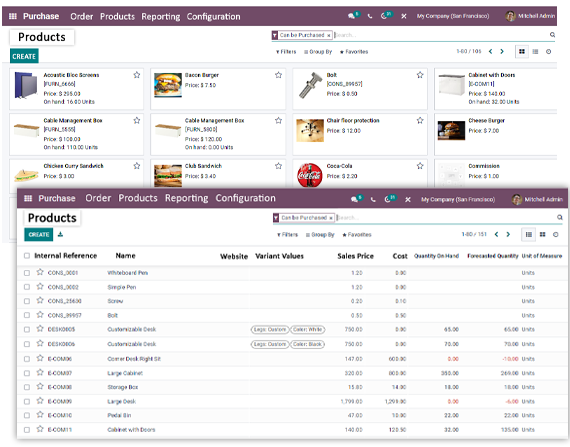
The purchase management software has made product management simple and more efficient, you can add as many products to the system and manage all of them efficiently.

  • It has a Product menu that has two sub-menus, i.e, Products and Product Variants.
  • Get a complete overview of all the products at a glance.
  • Also, you can instantly find the products using the filters.
  • Effortlessly create new products using the 'Create' button.
  • Add the product name, price, image, respective vendor, product type, product category, etc.
  • Also, create product variants, define procurement rules, and more.
  • Procure a single product from multiple vendors at a time by adding multiple vendors for a single product.
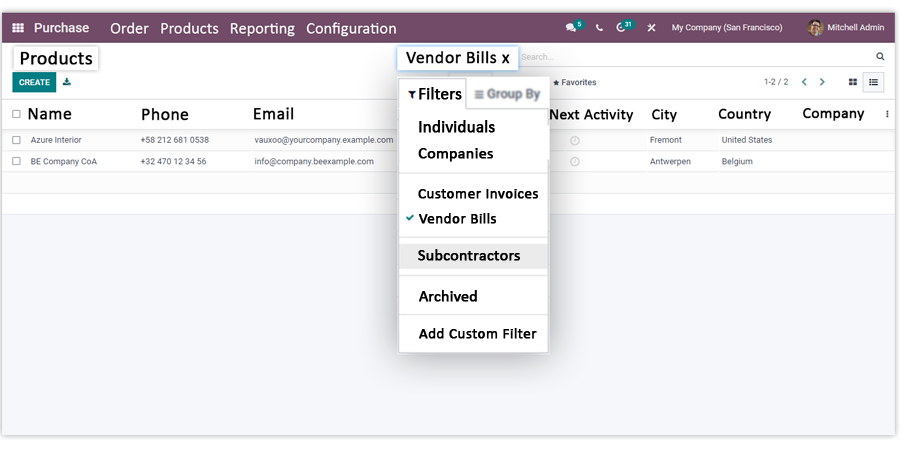
Product management in Odoo Purchase

RFQ and Purchase Order Processing

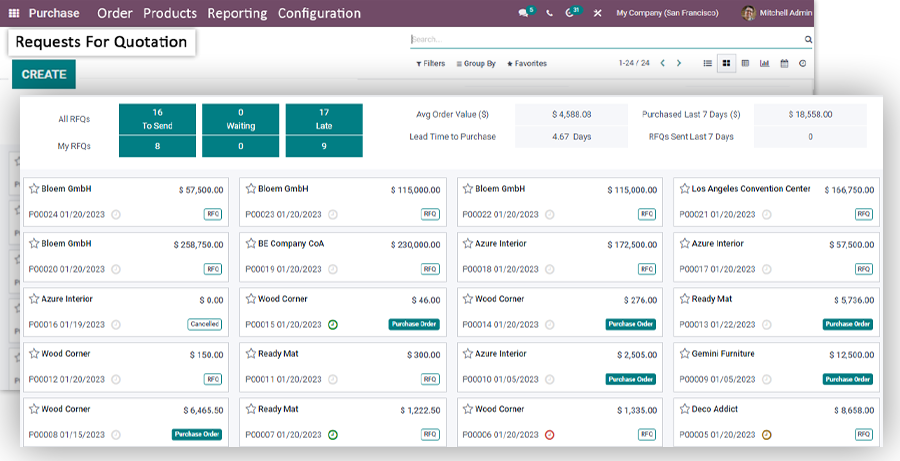
Effortlessly create RFQs manually or they can be raised automatically if you define the procurement rules.

  • Set up the reordering rule/min-max stock level, the system automatically creates the RFQ for the products that reach the predefined minimum stock level.
  • Easily send the RFQs to your suppliers through emails with just a single click.
  • The email generated by the system will have predefined content and the RFQ will be attached to it in a PDF format.
  • Also, if you want, you can print RFQ documents and send them by post.
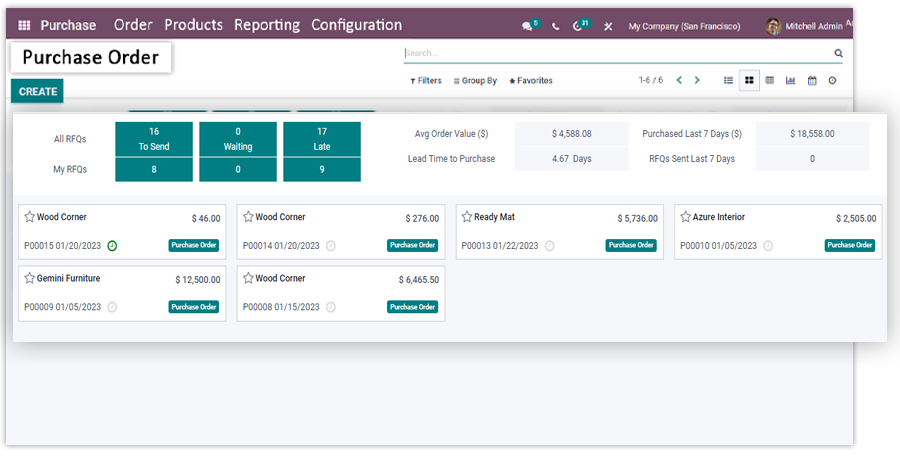
  • Once you get the vendor approval on the RFQ you can confirm it and it will be converted into purchase orders immediately.
  • The receipt will be generated automatically, when you receive the item you can click on the receive products button.
  • Validate the received products if you receive the right quantity.
  • The return and scrap option is also available if required you can use these options too.
Creating an RFQ and purchase order in Odoo Purchase
Purchase order receipt screen in Odoo Purchase

Vendor Bill & Payment

Along with the purchase orders, you will be able to manage vendor bills and payments more effectively.

  • Go to the Orders menu and you will see the Vendor Bills option, here you can create vendor bills.
  • Easily process the invoices automatically by adding the purchase order to the record. It will populate all the relevant information related to the defined product order.
  • Further, you can validate and make payments to your vendor.
  • The purchase management module automates invoicing operations and saves time.
Vendor Bill & Payment

We set up Odoo Purchase as part of our Odoo implementation work, including for manufacturers who buy raw materials on reordering rules.

Talk to an Odoo purchasing expert

Frequently Asked Questions

Find answers to common questions about our ERP services

To run the complicated purchase operations - approvals, vendor selection, RFQs, purchase orders, receipts and vendor bills - without doing everything by hand. Odoo Purchase automates the chain and keeps every document in one place.

Odoo Purchase generates the information and documents you used to keep manually: the list of items, quantity, cost, delivery date, vendor details, and more. The complete process is automated from RFQ to vendor bill.

Yes. Purchasing, warehouse and finance teams work from the same records with their own access rights, so every team stays aligned on what has been ordered and what is arriving.

Yes, it is. After implementation, the complete purchase management will become automated which helps in saving valuable resources like time & money. Also, the purchasing team can involve themselves in some other tasks.

Yes, this software gives an alert for the bills and payments.

Odoo Purchase is set up by certified Odoo experts and includes reorder rules, 3-way matching and direct links to Inventory and Accounting, so purchasing runs inside one system instead of a separate tool.

Yes, Purchase management module supports RMA (Return Material Authorization).