Odoo Manufacturing ERP for US Manufacturers
Plan jobs, track every order and know your real costs in one system

Every shop runs differently. These are the problems we fix most often, by type of manufacturer.
Odoo gives every job its own routing, real-time status by work center and actual cost against the quote.
Odoo plans materials from demand, versions every BoM and tracks lots and serials from receipt to shipment.
In Odoo, a confirmed sales order creates its manufacturing order with the options the customer chose.
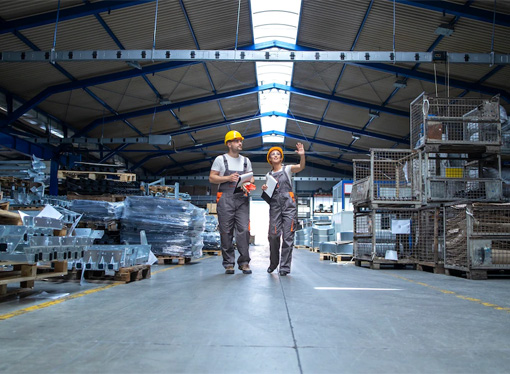
Know what to build, when, and on which machine.
Keep product data accurate as designs and customer options change.
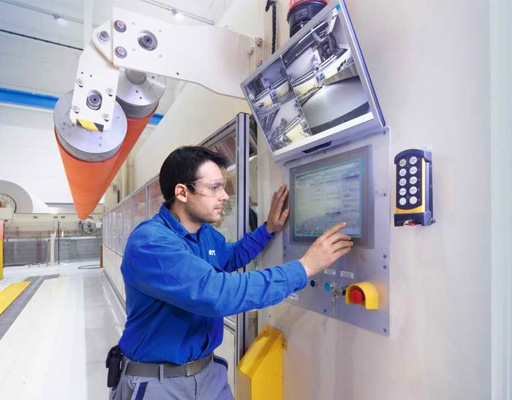
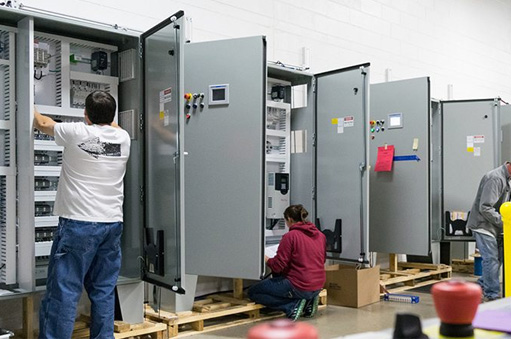
Give operators what they need at the work center, and get accurate data back.
Catch problems before they reach the customer.
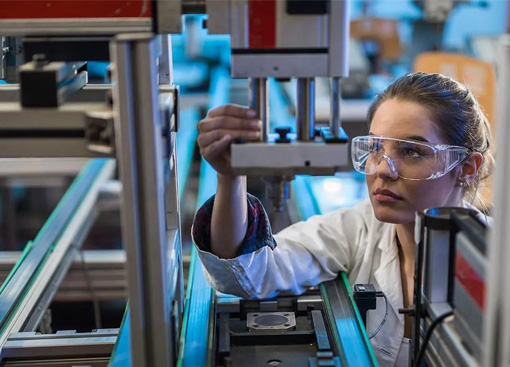
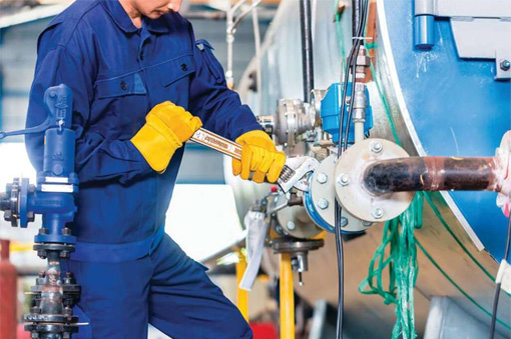
Reduce unplanned downtime on the machines that matter most.
New to Odoo MRP? Read our guide: Odoo MRP solution for the manufacturing industry.
Odoo connects with the tools your accounting, shipping and tax teams already rely on.
Moving off QuickBooks Desktop? We import your customers and invoices into Odoo, including every address line, so your history comes with you.
Connect UPS, FedEx and USPS to get shipping rates, print labels and track packages from the delivery order.
Calculate US sales tax automatically on every quote and invoice with Avalara AvaTax.
Manufacturing in Odoo also shares data with inventory management, CRM and sales and purchasing, so a sale, a purchase and a production run all update the same records.
We start from your shop floor, not from a feature list. One team handles your project from start to finish:
We work with textile, electronics, food and beverage, industrial machinery, medical device and furniture manufacturers, whether they make to order, make to stock, assemble to order or run in batches. O2B Technologies also provides Odoo for small manufacturers, with a scope sized to your budget.

O2B Technologies has an Odoo solution for every industry, built around the specific needs of businesses in that sector.
Cost depends on your scope: the number of users, the Odoo apps you need, any customization and how much data we migrate. We don't publish fixed prices because no two shops are the same. Contact us and we'll scope your project and send you a quote.
It depends on the number of products, routings and integrations, and on how much data comes over from your current system. After a short discovery call we give you a written plan with a timeline before any work starts.
Yes. We import your customers and invoices from QuickBooks Desktop into Odoo, including every address line. Any other data you need, such as items or open orders, is agreed during discovery.
We test each workflow with your own products, BoMs and routings. Your team then runs user acceptance testing (UAT) on real orders, and we fix anything they find before you switch over.
Yes. Our support covers new workflows, report changes, adjustments and Odoo version upgrades. Each change is scoped and tested before it goes live, so production keeps running.
Yes. A confirmed sales order can create its manufacturing order automatically, each job can follow its own routing, and BoM versions handle custom or changing products. We configure it around how your floor actually runs.
Yes. Book a free demo and we'll walk through Odoo manufacturing using examples that match your products and workflow.
Tell us how your shop works today. We'll show you what it looks like in Odoo and what it would take to get there.