What Is Odoo MRP?
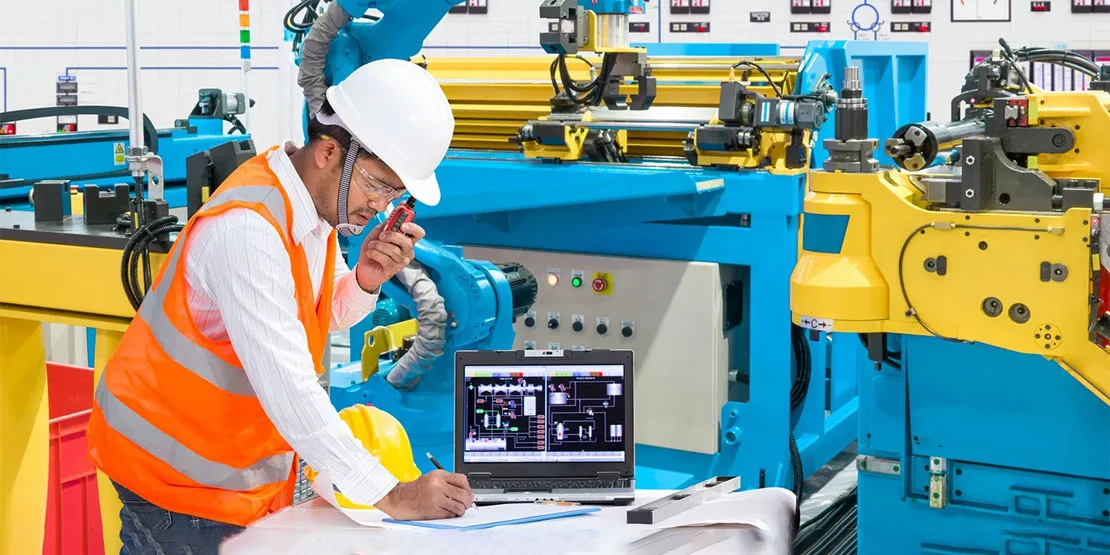
Odoo MRP (Material Requirements Planning) is the Manufacturing app in Odoo 19. It turns sales orders, forecasts and reordering rules into manufacturing orders, work orders and purchase requests, so production, stock and purchasing all work from the same data. The Manufacturing app is included in Odoo Community, while add-ons such as Quality, PLM and Maintenance require Odoo Enterprise. Odoo MRP is part of Odoo for manufacturing, where production connects with sales, purchasing, inventory and accounting.
Looking for Odoo Implementation, Customization, Integration, or Support Services?
Core Features of Odoo MRP
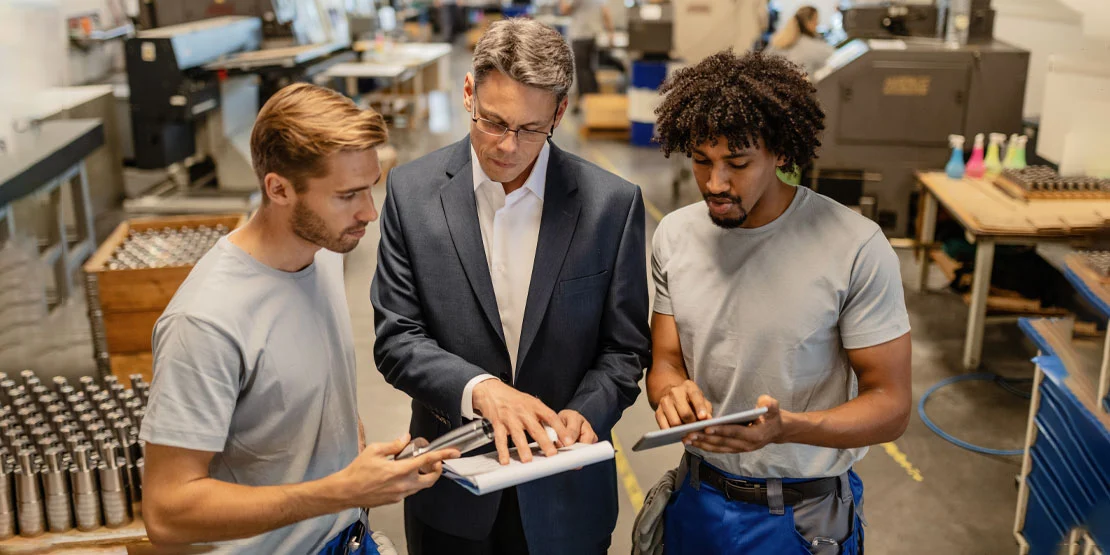
Odoo MRP covers the main steps of production planning and execution. The features below are the ones most manufacturers use first, and the edition notes show where an Enterprise add-on is required.
Bills of Materials (BOMs)
Create multi-level BOMs for raw materials, sub-assemblies, and finished goods. Kits are supported for items sold as a set, while product variants allow a single master BOM to accommodate multiple dimensions, colors, or technical configurations. Each BOM revision specifies component quantities, scrap tolerances, and the exact operations needed for production.
Manufacturing Orders and Material Reservation
Manufacturing orders (MOs) generate automatically from confirmed sales orders, demand forecasts, or inventory reordering thresholds (as well as manual creation). Upon MO confirmation, Odoo automatically reserves raw materials from available inventory to prevent shortages. Production managers assign priority levels and planned start dates to sequence shop-floor execution effectively. Work orders break each manufacturing order down into discrete operations assigned to specific work centers, tracking operator progress and labor hours in real time.
Work Centers and Routing
Routing organizes manufacturing operations into a precise sequential flow. Work centers define machine capacity, labor costs, overhead rates, and working hour schedules. This operational structure enables Odoo to schedule shop-floor capacity accurately, calculate standard vs. actual build costs, and identify bottlenecks before lines back up.
Production Scheduling & Planning Calendar
Production schedulers organize manufacturing orders using an interactive Gantt chart and calendar view, allowing rapid adjustments to planned start dates, order sequences, and machine allocations via drag-and-drop. For enterprise shift management and workforce resource allocation, Odoo connects with the separate Odoo Planning app, enabling managers to assign technicians and operators across shifts and work centers without scheduling conflicts.
Stock Rules: Make-to-Order (MTO), Push/Pull and Exception Handling
Odoo inventory rules automate material replenishment across your facility. Make-to-order (MTO) routes trigger manufacturing orders or procurement requests immediately when a customer order is placed, minimizing finished goods holding costs. Automated reordering rules maintain safety stock levels for high-turnover parts. Multi-step push and pull rules chain complex warehouse movements—from vendor receipt and incoming inspection to line feeding. Exception handling rules detect blocked procurements or vendor lead-time delays, alerting supply chain managers to intervene or re-route orders before production stalls.
Subcontracting Production
Odoo streamlines subcontracting when external partners perform specialized manufacturing operations or assemble complete products. When a subcontracted purchase order is confirmed, Odoo automatically generates a delivery order to supply required raw materials from your warehouse to the subcontractor's location (or drop-ships them directly from vendors). Once finished products arrive at your receiving dock, confirming receipt records the finished goods into stock, automatically consumes the underlying raw material components based on the subcontracting BOM, and integrates the subcontractor's service charge into the product's final inventory valuation.
Quality Control Points and Inspections (Enterprise)
Quality control points attach automated or manual inspection checks to incoming raw material receipts, in-process work orders at specific workstations, or finished goods prior to packing. Quality inspectors log pass/fail results, numerical tolerance measurements, and failure notes. Failed checks can trigger quality alerts and automatically quarantine suspect batches. Note: the advanced Quality app is available in Odoo Enterprise.
Barcode Scanning on the Shop Floor
The mobile Barcode app allows operators to scan component lots, work orders, and finished goods on mobile tablets or industrial handheld scanners. Workstation teams record component consumption, scrap, and operation completions without paper travelers, eliminating data-entry lag and keeping physical inventory counts accurate in real time.
Lot, Serial Number and Package Traceability
Assign unique lot or serial numbers upon component receipt or manufacturing completion. Odoo maintains bi-directional genealogy tracing raw material lots through manufacturing orders into finished product packaging units and outbound customer deliveries. In the event of a supplier defect or customer warranty claim, downstream shipments and upstream source batches can be isolated in seconds.
Equipment Maintenance and Repairs Management
Scheduled preventive maintenance keeps critical machinery running efficiently, while corrective maintenance requests track unscheduled breakdowns directly from work center stations (via the Odoo Enterprise Maintenance app). For warranty and post-sale servicing, the dedicated Odoo Repairs app operates as a standalone module to manage repair orders, track component replacements from inventory, record diagnostic labor, and bill customers for out-of-warranty repairs.
Outbound Deliveries & Carrier Rate Integration
Once production and quality checks conclude, Odoo coordinates picking, packing, and dispatch. Logistics teams define custom delivery methods, carrier price grids, and estimated delivery dates. Odoo Inventory integrates with major shipping carriers to generate labels, calculate dimensional rates, and post tracking numbers. To streamline parcel dispatch, explore O2B's Odoo FedEx shipping integration and our USPS integration case study.
IoT and Reporting in Odoo Manufacturing
The IoT box connects machines, scales, printers and sensors to Odoo, so cycle counts, weight checks and machine status update work orders without an operator keying them in. A signal from the machine can start, pause or complete an operation on the shop floor.
For reporting, the Manufacturing Analysis report shows output, duration and cost per order, work center and product. Work center load and forecast reports show upcoming capacity, so you can spot an overloaded line before it delays a delivery.
How Odoo MRP Connects to Sales, Purchase, Inventory and Accounting
Odoo MRP shares one database with the rest of Odoo, so production is not managed in isolation. A confirmed sales order creates demand, manufacturing orders consume components, purchasing covers shortages, and every stock move posts the accounting entries behind inventory valuation.
Sales: A confirmed sales order creates a manufacturing order for make-to-order products, or reserves stock for products you hold. Available-to-promise dates come from the same production and purchasing data.
Purchase: When a manufacturing order needs components you do not have, Odoo can create a request for quotation for the shortage. Vendor lead times feed back into the production schedule.
Inventory: Components are reserved and consumed from stock, finished goods are received into stock, and lot or serial numbers follow every move. Multi-step routes handle receipt, quality, storage and delivery.
Accounting: Stock moves post inventory valuation entries, and manufacturing orders collect component and work-center costs. Margins on sales orders reflect the real cost of what was built.
Because the apps work from the same data, a change in one area updates the others without re-keying. Sales sees what can be promised, purchasing sees what is short, and accounting sees the cost of production.
How US Manufacturers Set Up Odoo MRP
A workable rollout follows the order of the data, not the order of the menus. For most US shops, O2B's Odoo implementation services follow these steps:
1. Start with BoMs and routings. Clean BoMs, accurate component quantities and realistic operation times are the foundation. If these are wrong, every schedule, cost and shortage report that follows will be wrong too.
2. Add reordering rules. Set minimum and maximum stock levels and lead times for the items you buy or build repeatedly, then check the suggestions against real demand before turning automation on.
3. Turn on shop-floor barcode. Scan components and work orders at each work center before adding more automation. This gives you clean consumption and time data to measure against the routings.
4. Plan data migration. Move items, BoMs, open orders and balances from QuickBooks or spreadsheets. Clean duplicate items and standardize units of measure first, because fixing them after go-live is much harder.
5. Then add the rest. Bring in quality checks, maintenance, subcontracting and custom reports once the core production flow is stable.
Odoo MRP Examples
The same features look different from one shop to the next. A few common patterns:
Make-to-order metal fabrication. A confirmed sales order creates a manufacturing order, and routing sends the job through cutting, welding, finishing and assembly. Each operation is booked against its work center.
Food and beverage production. Lot numbers on incoming ingredients are traced through production to the finished case, so a recall can be scoped to the affected batches.
Subcontracted parts. Components are shipped to a subcontractor and finished goods are received back, with the subcontractor's cost added to the product.
When You Need Odoo Customization
Standard Odoo MRP covers most BoM, work order and stock-planning needs. Customization is worth it when your routing, costing, labeling or industry rules do not fit the standard workflow, such as custom quality gates, shop-floor labels, machine integration or EDI. See Odoo customization for how O2B scopes those changes.
O2B Examples
RMA process upgrade: O2B reworked a manufacturing client's RMA process in Odoo, and approval and replacement cycles dropped by 40%. Read the case study.
Manufacturing flow: See also O2B's manufacturing flow case study.
O2B is an Odoo Ready partner based in Austin, TX and works with US manufacturers across Texas and the wider United States.