What an Odoo Upgrade Involves
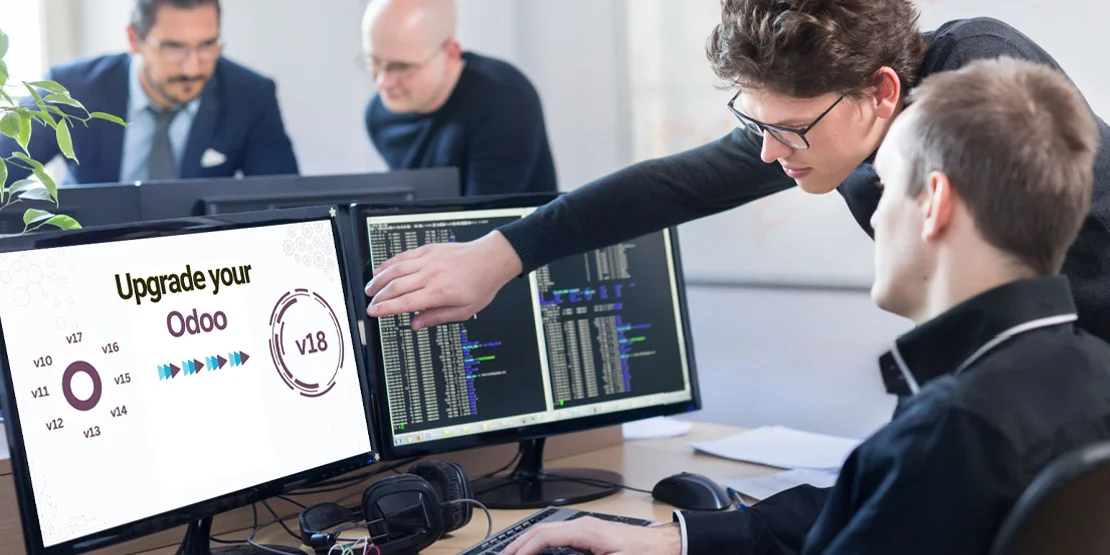
An Odoo upgrade moves your database from an older Odoo version (for example, 16) to a newer one (18). It includes database upgrade, porting custom modules, re-checking integrations, and testing. Looking for the service itself? See Odoo Support Services. If you're moving to Odoo from another system, see How to Hire an Odoo Migration Partner.
Why Custom Modules Are the Hard Part
Customizations are what make upgrades complex. Each custom module must be ported to the new version and re-tested. The number and depth of your customizations is the main driver of timeline and effort.
Enterprise vs Community
Odoo Enterprise includes Odoo's upgrade service for standard modules. Custom code and Community databases need a partner to plan and run the upgrade.
What to Check in an Upgrade Partner
Experience with your current and target versions
A test upgrade on a copy of your database first
A plan for custom modules and third-party apps
User testing before go-live
Rollback plan and minimal downtime
Questions to Ask and Red Flags
How do you handle custom modules during the upgrade?
Do you run a test upgrade first?
What is your rollback plan?
Red flags: skipping the test upgrade, no rollback plan, editing core files.
Why O2B Technologies
O2B Technologies has delivered Odoo version upgrades with custom-module porting, testing and go-live support.
FAQs
How long does an Odoo upgrade take?
It depends on your version gap and the number of custom modules. A partner should estimate after reviewing your database.
Will my custom modules still work?
They must be ported to the new version and tested; a partner plans and validates this during the test upgrade.
Can I skip versions?
Yes, but the partner must validate each step and test thoroughly before go-live.