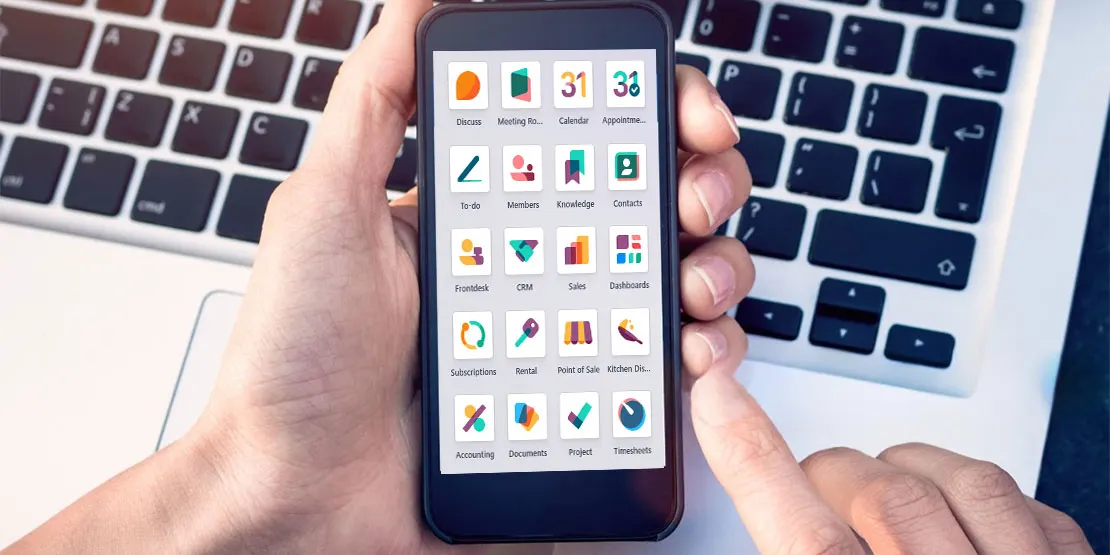
We build mobile apps for iPhone and Android that read and write data in your Odoo. They are made for people who work away from a desk: field technicians, drivers, sales reps, warehouse staff and your customers. For all other custom Odoo work, such as modules, portals and integrations, see our Odoo development page.
When You Need a Custom Odoo Mobile App
Odoo has its own mobile app, and it is often enough. Here is how to tell which one you need.
| Odoo's own mobile app is usually enough when… | A custom app makes sense when… |
|---|---|
| Staff just need to view and update records on the go | Field staff need a simple, task-focused screen (for example a job list, scan, sign, done) |
| You have a good mobile signal everywhere | Teams work in basements, rural sites or warehouses with no signal (offline mode) |
| Users are office staff who already know Odoo | Customers, drivers or contractors need their own branded app |
| You don't need device features | You need the camera, barcode scanner, GPS or push notifications |
Mobile Apps We Build
- Field service and technician apps: jobs, parts, photos and signatures.
- Delivery and driver apps: routes and proof of delivery.
- Sales rep apps: catalog, orders and customer history.
- Warehouse scanning apps: receive, pick and count.
- Customer apps: order, track, pay and support tickets.
See real projects in our case studies.
What Every App Includes
- Works on iPhone and Android.
- Connects securely to your Odoo through Odoo's API.
- Offline mode where needed, syncing when the phone is back online.
- Published to the App Store and Google Play, or shared privately with your team.
- Source code you own, and support after launch.
How We Build Your App
Step 1: Workshop
We agree who will use the app and for which tasks.
Step 2: Screen designs you approve
You see and approve the screens before we build them.
Step 3: Build and connect to Odoo
We build the app and connect it to your Odoo.
Step 4: Test with real users
Your own people try the app on real tasks, and we fix what they find.
Step 5: Launch to the stores and support
We launch the app and support it after go-live. If the app needs a new Odoo module on the back end, see our custom Odoo module development page.
Odoo Mobile App FAQs
Does Odoo have its own mobile app?
Yes. Odoo has an official mobile app for iPhone and Android, and the Odoo web interface also works in a phone browser. For staff who just need to view and update records on the go, it is often enough. A custom app makes sense when you need a simpler task-focused screen, offline use, device features like the camera or barcode scanner, or a branded app for customers, drivers or contractors.
Can a custom app work offline?
Yes. A custom app can store the data a user needs on the phone, let them keep working without a signal, and sync with Odoo when the phone is back online. Offline mode adds design and testing work, so we only build it where your teams really need it.
Will the app work with Odoo Online, Odoo.sh and self-hosted Odoo?
The app connects to Odoo through its API, so it can work with Odoo.sh and self-hosted Odoo. On Odoo Online, API access depends on your plan, so check that first. We confirm this with you at the start of the project.
Do you publish the app on the App Store and Google Play?
Yes. We can publish the app to the App Store and Google Play under your own developer accounts, or share it privately with your team. The final step of every project is launch and support.
What happens to the app when we upgrade Odoo?
Because the app talks to Odoo through its API, a new Odoo version can change how some calls work. Plan to test the app against a staging copy of the new version before you upgrade, and update it where needed.
Need an Odoo Mobile App for Your Team?
Tell us who will use it and for which tasks, and we'll tell you whether Odoo's own app or a custom one fits.