
What an Odoo Migration Partner Does
An Odoo migration partner moves your business data (customers, products, invoices, inventory and history) from another system into Odoo. Need the service itself? See Odoo Migration Services. For version upgrades (Odoo 16 to 18), see How to Hire an Odoo Upgradation Partner.
Migration vs Upgrade
Migration means moving into Odoo from another system. An upgrade means moving from one Odoo version to a newer one. This page covers migrating to Odoo; version upgrades have their own hire page.
Prepare Before You Hire
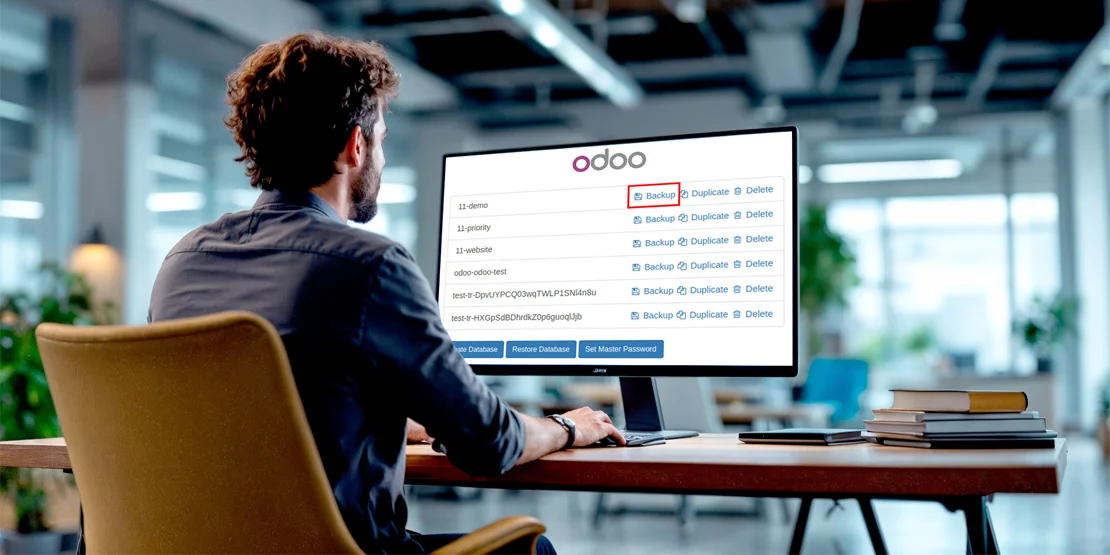
Backup
Take a full backup of your current system and test a restore.
Data size
Estimate how much data (customers, products, orders) needs to move.
Data clean-up
Remove duplicates and dead records before migration.
Hosting
Decide where Odoo will run (cloud or on-premise).
Timeline
Allow time for mapping, test migration and reconciliation.
What to Check in a Migration Partner
Experience with your source system
QuickBooks, SAP, NetSuite, Excel or another source.
Data mapping and clean-up process
How fields and records map into Odoo, and how errors are handled.
A test migration before the real one
A trial run on a staging system with review.
Reconciliation of open invoices and balances
Open items must match between old and new.
Cutover plan with minimal downtime and a rollback option
A clear go-live plan and a way back if something fails.
Questions to Ask and Red Flags
Which source systems have you migrated from?
Do you run a test migration first?
How do you reconcile open invoices and balances?
What is the cutover and rollback plan?
Red flags: no test migration, no reconciliation, forced core edits.
Why O2B Technologies
O2B Technologies migrates businesses onto Odoo with clean data mapping, testing and ongoing support.
FAQs
How long does a migration to Odoo take?
It depends on data volume and source system. Small sets take weeks; large ones take months. The partner should give a timeline after reviewing your data.
Is developing and migration the same?
No. Migration moves your data into Odoo from another system. Development builds features or custom modules. They are different services.