Enhance your customer support with cobrowse screen sharing

The client offers a delivery which is done enterprise-grade SaaS software that helps businesses in different kinds of industries.

Client Overview

Industry: SaaS/Cloud solutions

Size: 300+ employees,serving 10,000+ active global users

Location: USA,with a customer all over around the world

The client offers a delivery which is done enterprise-grade SaaS software that helps businesses in different kinds of industries. They have such a large and diverse customer base, which also helps the support team, which comes under pressure to provide quick and effective assistance for the services. However, explaining technical problems over text or a call was slowing everything down.
Client Overview

Challenges Faced

Communication Gaps

Customers sometimes struggled to describe what they were seeing due to a lack of technical knowledge, and at other times, because the errors were too complex. Agents wasted significant time clarifying issues instead of resolving them.

Increased resolution times

Each ticket required multiple email threads or long chat sessions before an agent could even identify the root cause. Average resolution times stretched far beyond the company's SLA goals.

Customer frustration

Delays often left customers annoyed, especially those running time-sensitive business operations. In some cases, unresolved issues pushed clients toward competitors.

Training limitations

New support agents had difficulty learning "real-world" troubleshooting since they couldn't see how customers interacted with the product in actual problem scenarios.

Solutions Implemented: CoBrowse screen sharing

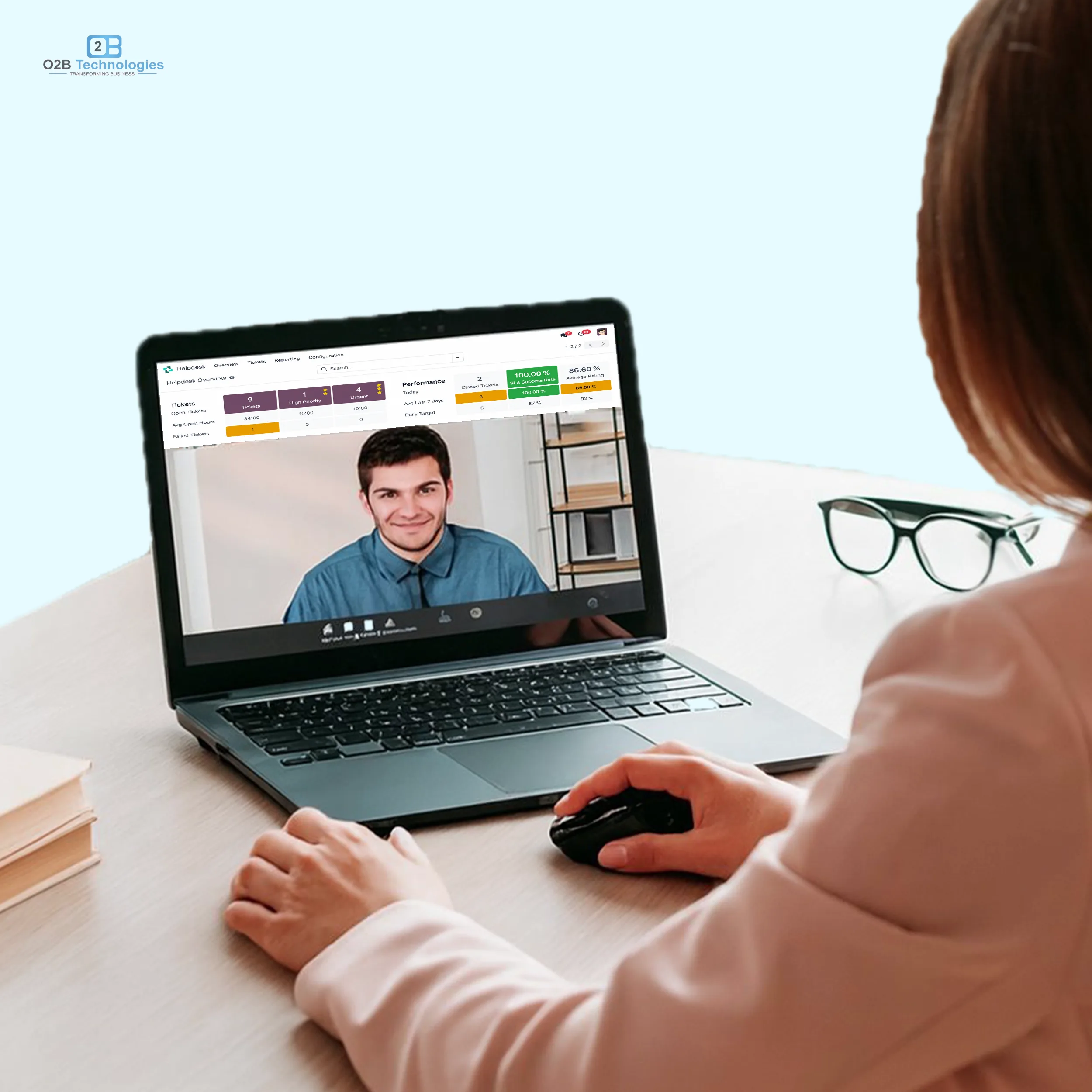
To overcome these obstacles, we integrated Co Browse (secure screen sharing) into the client's Odoo helpdesk system.

3 Step Process
User-initiated session

While using this, customers could easily initiate a screen-sharing session directly from their support ticket or chat window. Nothing started without explicit consent, ensuring complete transparency.

Secure access controls

Only the specific browser window or app tab chosen by the customer was shared. Sensitive data remained private, addressing compliance and trust concerns.

Real-time problem visibility

Agents could instantly view the exact problem customers were misconfigurations, errors, and navigation struggles, eliminating guesswork.

Collaborative troubleshooting

Agents guided users live, pointing out actions to take, highlighting fields, or walking them step by step through workflows.

Session logging

Each session was automatically logged and linked to the support ticket. Sessions could also be recorded (with permission ) for compliance and internal training.

Results Achieved

Dramatic Improvement in resolution speed

By using this support system, the ticket requests drop and exceed the privacy. Average ticket resolution time dropped by 40%, exceeding SLA commitments.

Issues that once took hours of back-and-forth messaging were solved in a single cobrowse session.

Higher Customer Satisfaction

Post-ticket surveys showed a 35% increase in customer satisfaction scores customer valued being "seen" and guided rather than struggling to explain problems alone.

Fewer Repeat Tickets

Many problems were resolved at the root cause since agents could visually confirm fixes, reducing repeat queries by 25%.

Better Training For Agents

Recorded sessions became a knowledge base, helping new agents learn how to handle real-world issues effectively.

Ramp-up time for new hires decreased by nearly 30%.

key takeaways

  • Visibility equals speed: When support agents can see what users see, resolution time decreases dramatically.
  • Trust through security: Permission-based screen sharing ensures customer privacy while providing transparency.
  • Knowledge reuse: Screen-sharing sessions double as training material for continuous team improvement.
  • Customer-centric approach: We at cobrowse shift our support time to time from reactive problem-solving to proactive collaborations.

Want to achieve similar results for your business?

If you are someone whose business struggles with long support cycles, customer frustrations, and even unclear problem descriptions, CoBrowse screen sharing could be a game-changer. With secure, user-controlled sessions integrated into Odoo Helpdesk, your support team can also deliver faster more personalized assistance, boosting the efficiency, satisfaction, and loyalty.

Get Free Consultation
Footer