By Manish Mannan · Last updated: October 2026
O2B is an Odoo partner.
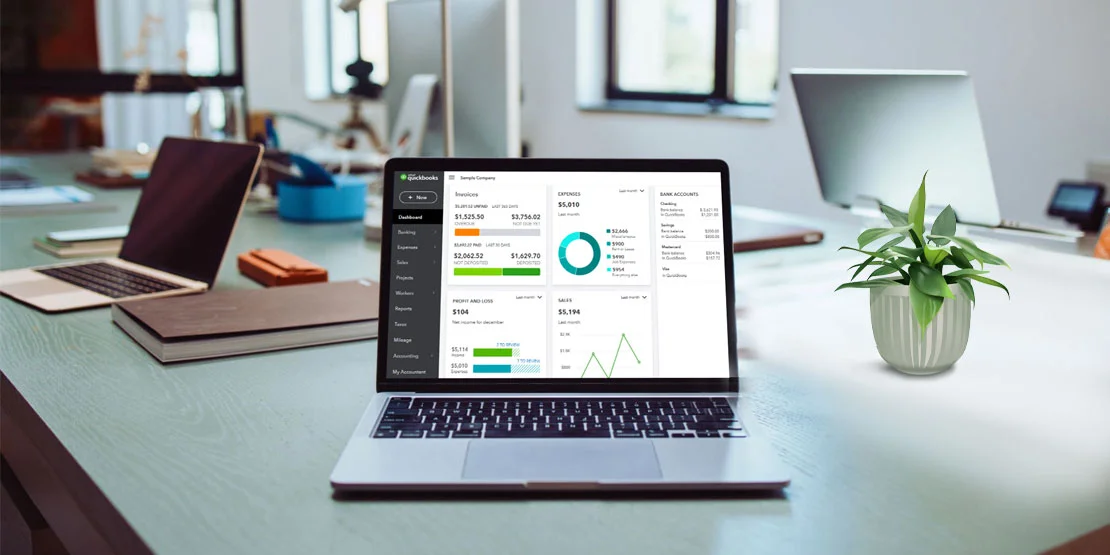
Accounting is one of the most important aspects of any business firm, and it is essential for the accounts department to have reliable software for the success of the company and maintaining the financial health of the same. There are many available software options on the market, with a long list of features available, but which among them is the best, which can be easily integrated with existing commercial solutions. One such small business accounting software, is QuickBooks which has been a trusted name especially for small business firms due to its user-friendly interface and smooth support services. However, QuickBooks also comes with few merits like:
Cost Consideration:
QuickBooks comes with an upfront cost, and subscription plans according to different business sizes. However, the client may suffer additional costs for customized features or software integrations.
Billing and Invoicing:
QuickBooks, the accounting software that was initially designed for small-scale firms due to its easy user interface and responsive invoices technic and fast payment system. It also integrates with competitive business software.
Today in this blog we will explore some of the free and low-cost alternatives that the user can consider meeting the accounting requirements for their firm.
Why Consider Alternatives to QuickBooks?
Before we directly identify the alternatives, it’s important to know the reason behind the why many businesses switch to these alternatives.
Cost Concerns
The accounting software QuickBooks has a variety of plans with different benefits to offer, there is no free plan; the entry-level Simple Start plan costs $35 per month (prices as of October 2026), these plans keep on increasing with every other advantaged feature, also the software takes an additional cost for payroll and software integration.
Complexity
QuickBooks being one of the trusted accounting software, but its complex and huge number of functionalities can be difficult to understand especially for the users who don’t have a former knowledge about accounting which further leads to ineffectiveness.
Vendor Lock-In
Vendor lock-in means when a consumer is fully dependent on the vendors service, here switching directly on to other competitor software can be a complex in the case of QuickBooks, as it is a commercial software that involves a significant costs and operational disruptions.
Specific Needs
It is not always that a business needs to have all the features that QuickBooks offers, there are still business firms that need simple solutions that align with their vision or require experts who can make few minor changes in their current processing.
Few Free QuickBooks Alternatives
Odoo
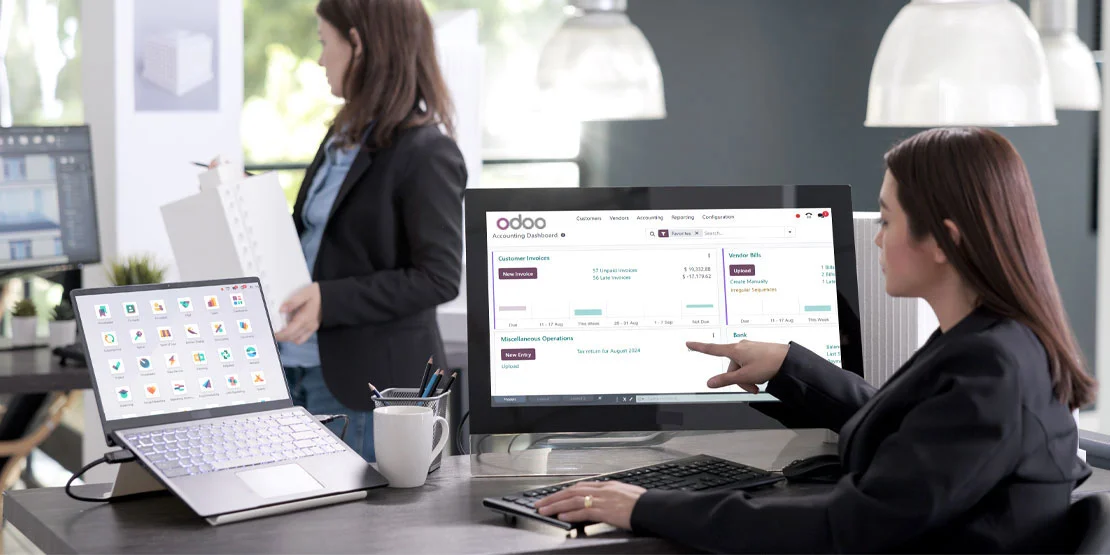
Odoo is an OSP platform which gives the user the liberty to maintain accounts, finance, generate invoice, track the expense and maintain the payroll system and much more. Also, the software has more comprehensive range of features to offer which can be customized according to the client needs and requirement.
Key Features
Odoo Customization: Odoo is an open-source enterprise planning solution which helps business to manage their workflow in different aspects like sales, productivity, marketing, finance, studio and many more. Besides a huge number of services to offer there are still a few business firms that feel the need to customize the software to get a more personalized user interface. This is where O2B Technologies comes in the picture as being the official partners with Odoo, we understand the software much better and gives the client a unique customization according to their needs and requirement.
Odoo Integration Service: Odoo integration goes hand-in-hand with other modules within its system, allowing them a seamless flow of data among different business functions. which enhances the efficiency for the business operations.
Price: Odoo Community is free and open source. Odoo Enterprise is priced per user per month; see odoo.com/pricing for current rates.
Odoo Versions: Odoo gives two versions for its users. Odoo Community is free and open source, and works well for small businesses. Odoo Enterprise adds features like bank feeds, payroll and more users for a subscription.
Pros:
Provides a Complete Suite: Odoo integrates smoothly with various other business applications, such as HR, accounting, CRM, etc.
Highly Customized: Odoo is an ERP solution software that can be easily customized according to your business needs.
Real-Time Response: Odoo provides real-time analytics and detailed business reports which is automated.
Cons:
Complex in Nature: The huge variety of features can be confusing and difficult to understand especially for the new users.
Time Consuming: Users may need time to completely understand the structure of Odoo to have the potential advantages.

Wave

Wave is an excellent free accounting software option ideally designed for small scale businesses and freelancers. The software offers numerous features which allow the client to monitor different finances without suffering additional costs.
Key Features
Mobile Receipt: Wave offers a unique feature of Scanning receipts to retrieve data and can save on-cloud for an easily access.
Invoice Generations: The user can Create and send a long list of invoices with customizable templates for their small-scale business.
Easy Finance Tracker: Wave gives option to its user to easily track their expenses and categorize them for better understanding.
Pros:
No Cost Involved: Wave's accounting software does not require any cost for its core features, which makes it an excellent budget friendly option for the business.
User-Friendly Interface: The platform can be easily operated, with clear functions even for the new users and people with no accounting knowledge.
Mobile Application: Wave offers a mobile application which makes it handy for the users.
Price: Wave Starter is free; the Pro plan is $19 per month.
Cons:
Limited Features: Wave being an excellent free accounting software covers it only covers the basics, which may be a disadvantage for businesses when they want to scale up and compete with larger firms.
Payroll Costs: The software offers the payroll feature but with an additional fee to it.
Zoho Books

Zoho Books is part of the Zoho suite that offers a free plan for businesses with an ample set of accounting features.
Key Features
Automated Workflows: Zoho Books offers a complete suite of Automated invoicing, payment reminders, invoice generation and much more.
Tracking: With the help of Zoho Books the user can Easily track expenses within and outside the business venture.
Bank Connectivity: Zoho books can integrate multiple banks for smooth transactions.
Pros:
Integration: Zoho Books offers seamless integration among different Zoho applications, to enhance the software functionality.
Simple interface: The software is easy to operate.
24/7 Customer Support: Zoho gives inclusive customer support and service with a live chat option.
Price: Zoho Books has a free plan with limited users and features. The Standard plan is $20 per month.
Cons:
Plan Limitations: The free plan offered by Zoho has restrictions on various aspects such as number of users and features are limited and can only be accessed with subscription.
GnuCash
GnuCash is a free, open-source accounting program that runs on your desktop (Windows, Mac and Linux). It uses double-entry bookkeeping and suits freelancers and small businesses that want solid accounting without paying a subscription. It is a desktop program, not a cloud application, so your data stays on your computer.
Key Features
Double-Entry Accounting: GnuCash records every transaction in two places, so your books stay balanced and errors are easier to spot.
Reports: It includes standard reports such as profit and loss, balance sheet and cash flow.
Invoicing: Small businesses can create invoices directly in GnuCash.
Pros:
Free: GnuCash is completely free with no premium version.
Open Source: Anyone can inspect and self-support the software.
Multi-Currency: It handles accounts in different currencies.
Cons:
Desktop Only: There is no cloud or full mobile version, so you work on the computer where the data is stored.
Outdated Interface: The user interface is functional but dated compared with modern cloud tools.
Price: GnuCash is free and open source (desktop, no cloud) — no paid version.
Manager.io
Manager.io is accounting software for small businesses. Its desktop edition is free for any number of businesses; the cloud and server editions are paid — check manager.io for the current pricing.
Key Features
Invoicing and Quotes: You can create invoices, payment reminders and quotes in a few tabs.
Bank Reconciliation: Import bank statements and reconcile transactions quickly.
Reports: Profit and loss, balance sheet and tax reports come built in.
Pros:
Free Desktop Edition: The desktop edition is free with no per-user limit.
Works Offline: Data is stored locally, so it keeps working without an internet connection.
Wide Feature Set: It covers invoicing, inventory and other accounting modules without artificial limits.
Cons:
Cloud Is Paid: The convenient cloud edition is a paid subscription and it is priced per company — check manager.io.
Smaller Ecosystem: There are fewer integrations and templates than QuickBooks offers.
Price: Desktop edition: free. Cloud edition: paid — check manager.io.
What are the Factors to Consider While Choosing an Alternative
While making a choice between QuickBooks or its alternatives, these are some of the factors that one should consider:
Requirement and Business Size: Every software is designed for different targeted users as some of them are better for small scale firm while some may be only applicable for little modification and are usually used by freelancers.
Ease to Use:One should always Choose the software that has an easy-to-understand interface.
Support and Community Service: Look for software 24/7 support service and the ones with extensive community which helps in understanding and maintaining the workflow well.
In conclusion, after systematically researching and evaluating among the alternatives one should always understand what’s the requirement of their business is and how much they are willing to spend on the same as implementing an accounting solution is a chief part for the business growth and future opportunities.
Free to start, room to grow: moving from QuickBooks to Odoo
Odoo Community is free and open source, with invoicing, accounting, sales and inventory in one system. When you need more (bank feeds, payroll, more users), you can move to Odoo Enterprise without switching software again.
Odoo Community is free and open source. Odoo Enterprise is priced per user per month; see odoo.com/pricing for current rates.
O2B Technologies is an Odoo partner in Austin, TX. We move your customers and invoices from QuickBooks into Odoo and set up your chart of accounts so your books carry over.
See our QuickBooks to Odoo migration · Why migrate from QuickBooks to Odoo · Odoo data migration services
O2B is an Odoo partner.
Talk to an Odoo expert
FAQs
What is the best free alternative to QuickBooks?
There can be many options to choose from but the ideal choice depends on your specific business requirement and size. Some top options include Odoo, Wave, Zoho Books, GnuCash and Manager.io.
What is Accounting and what are the key features that Odoo Accounting offer?
Accounting is a process that comes with the invoicing system, on the other hand when the user choice to work with Odoo as their accounting software it helps them automate their tasks, and also integrate with the third-party app and have a better customization.
Is Wave free?
Yes, Wave has a free plan which means the user have to work without the subscription fees and enjoy the features like Mobile application for receipts, the Invoice generations, real-time tracking, etc.
What features does Zoho Books' free plan include?
Zoho Books' free plan covers basic invoicing, expense tracking and reports, but it is limited to fewer users and features. Advanced options such as inventory management are on the paid plans (Standard from $20 per month).
Is Odoo completely free?
Yes, the community version of Odoo can be a free option for the user, to work on this the user should know about self-hosting and the different ways and level of customization in the Odoo ERP software.
Can I move my QuickBooks data to a free alternative?
Yes. O2B's QuickBooks to Odoo migration moves your customers, invoices and chart of accounts into Odoo so your books carry over.