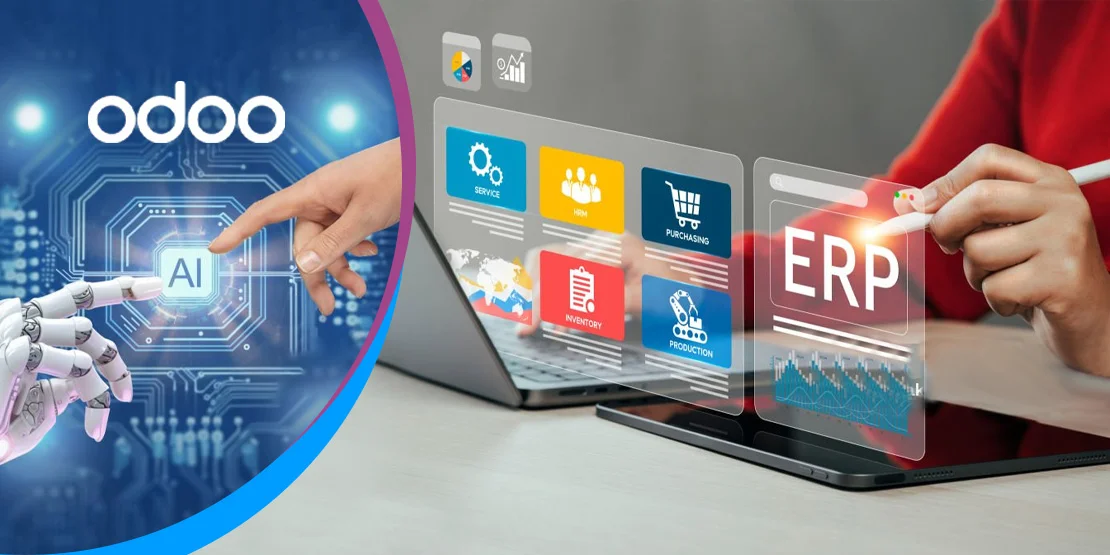
Almost every major ERP now markets AI. The useful question is not whether a system has an AI button, but which routine tasks it can take off your team: reading supplier invoices, drafting follow-up emails, answering questions about your own numbers or suggesting bank matches.
This guide compares five systems US buyers shortlist in 2026 and names the AI tool each vendor sells. AI features change quickly, and some cost extra, so treat this as a starting point and verify the current release notes before you commit.
Looking for Odoo Implementation, Customization, Integration, or Support Services?

What AI in ERP actually does today
AI in ERP is useful for bounded, repetitive tasks where a person can check the output. The common use cases in 2026 are:
Drafting emails and product text
Generate a first draft of a follow-up email, product description or campaign copy, then edit it. Drafting saves typing; it does not guarantee the message is right.
Reading invoices and receipts (OCR)
Capture supplier bills, receipts and expense documents, extract the key fields and reduce manual entry. Accuracy still needs review, especially on poor scans.
Answering questions about your data in plain English
Ask the assistant for a summary or a trend using records already in the ERP, such as receivables or sales by period, instead of building a report from scratch.
Forecasting demand
Use historical sales and seasonality to suggest purchase or production quantities. Forecasts are estimates and should be reviewed against known changes in the market.
Suggesting matches in bank reconciliation
Propose matches between bank lines and open invoices or bills, so the accountant confirms instead of searching line by line.
Keep the expectation modest: AI helps people work faster and with fewer manual steps. It does not run the business, and every output that affects money or customers needs human review.
5 ERP systems with AI features in 2026
| # | Vendor | AI tool | What it helps with |
|---|---|---|---|
| 1 | SAP S/4HANA | Joule | Assistant for finance, supply chain and HR tasks |
| 2 | Microsoft Dynamics 365 / Business Central | Copilot | Drafting, summaries, sales and finance help |
| 3 | Oracle NetSuite | NetSuite AI features | Text drafting, insights and forecasting; confirm current feature names with Oracle |
| 4 | Acumatica | Acumatica AI features | Document reading and insights; confirm current feature names with Acumatica |
| 5 | Odoo | Odoo AI (AI app and AI agents) | Text drafting, document digitization, record creation, financial insights and more |
O2B is an Odoo partner. AI capabilities differ by edition, licensing and region, and some vendors charge separately for AI credits or add-ons. Ask each provider to show the feature working on your own data before you buy.

We do not list vendor prices here because AI licensing and credit packs vary. Odoo license details are on Odoo's pricing page.
How Odoo AI works in the current version
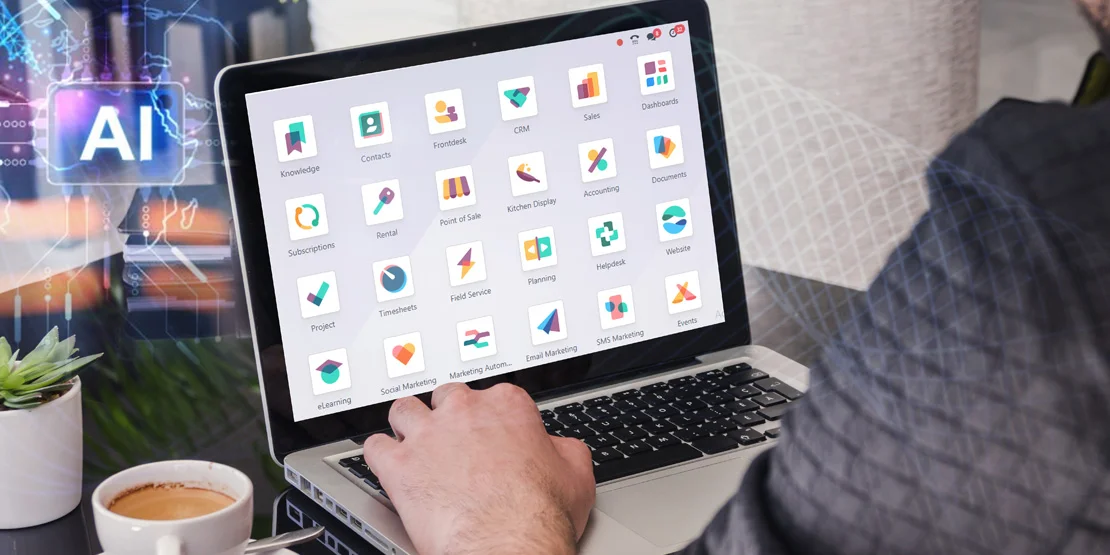
Odoo 20 is the current release, launched in September 2026. Odoo 19 introduced the native AI app, and Odoo 20 extends it with AI agents that can work inside records and scheduled actions. The features most relevant to ERP users are:
AI agents that create and update records
Ask an agent to create a record or update existing ones, upload a file of instructions, or ask questions about a document while previewing it. Agents can also be triggered by automated and scheduled actions.
Financial insights in Accounting
Ask the AI assistant for insights into company finances using the accounting data already in the database.
Bill line prediction and document digitization
Odoo suggests bill lines from history and the label, and mobile users can share files to digitize bills and expenses instead of keying them in.
Drafting, images and voice
Generate or edit product text and images, dictate requests to an agent, and connect Odoo to other systems through MCP.
In Odoo 20, AI features use IAP credits that are purchased separately, so budget for usage rather than assuming AI is included at no cost. Odoo Community is open source; the AI app and enterprise apps are part of Odoo Enterprise. Open-source licensing and cloud hosting are separate choices.
See Odoo implementation services for a guided rollout, Odoo customization services for custom AI workflows, and our Odoo 20 features post for the wider release. Official details are in the Odoo 20 release notes.

O2B example: reconciliation accuracy in Odoo
O2B helped an accounting client reach 98% reconciliation accuracy in Odoo, using configured matching rules and review steps. This was an automation project, not an AI deployment.
Our verdict
Every major ERP now has AI built in. Pick the ERP that fits your operations first; the AI tools are a bonus, not the reason to switch.
Curious what Odoo's AI features could do for your team?
See them on your own processes, from invoice capture to financial questions, and judge the output before you commit.
Frequently asked questions
Does Odoo have AI?
Yes. Recent versions include AI features, including AI agents, financial insights and document processing. Check Odoo's current release notes for what is included in your edition.
Is AI in ERP worth paying extra for?
It depends on the feature. Test it on real tasks, such as invoice capture or reconciliation suggestions, before you pay for add-ons or credits.
Can AI replace my accountant?
No. AI speeds up routine tasks such as drafting and document reading; people still review, approve and decide.